01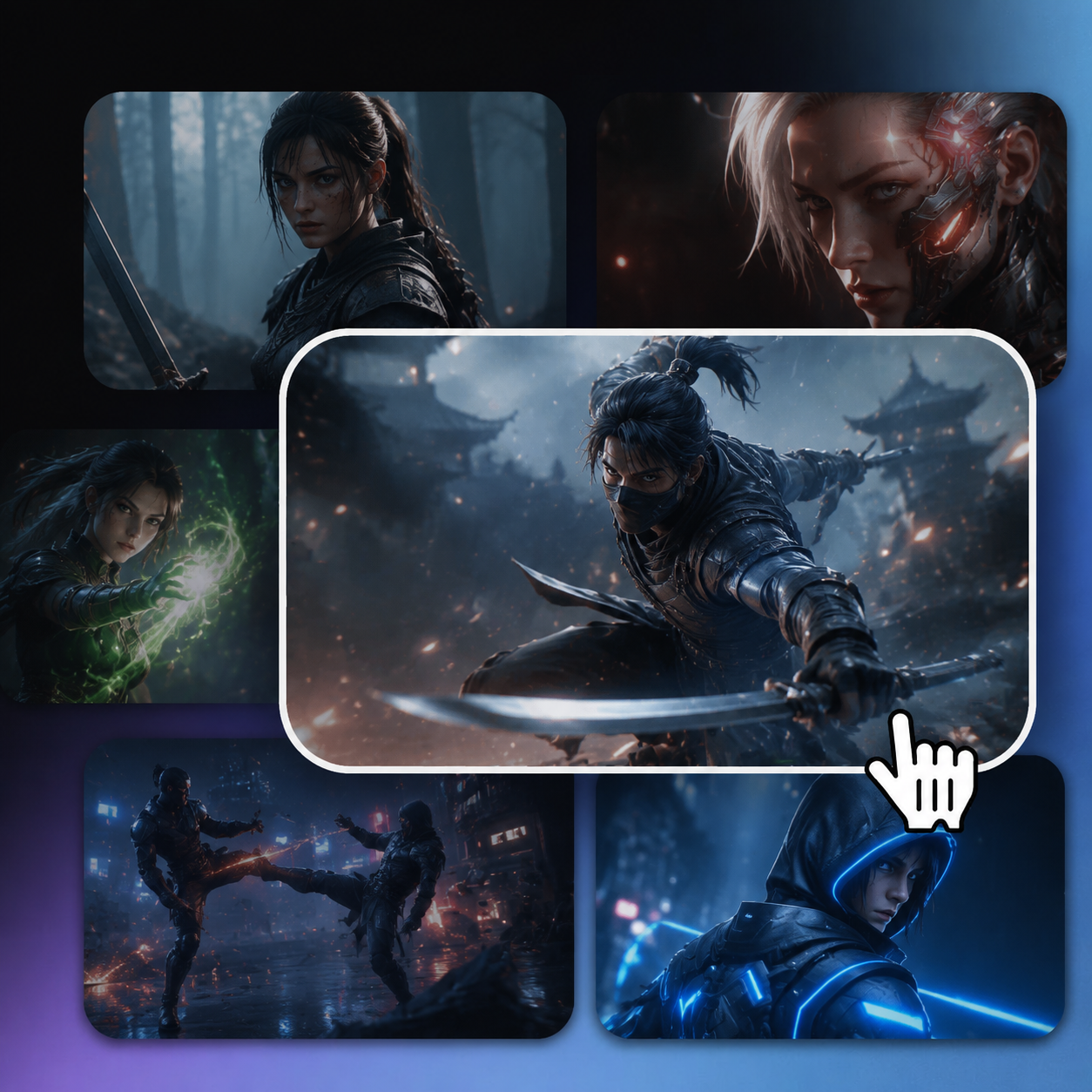
Choose a template
Pick a template that matches the character, scene, product, or visual direction you want to create.

Explore ready-to-use 3D animation templates for character motion, cinematic scenes, product visuals, and social content. Choose a template, add the requested source material, and create your video with Arcloop.
Choose a template, upload the source material it requests, click Generate to enter Canvas, and wait while Arcloop automatically creates the 3D-style AI video.
Pick a template that matches the character, scene, product, or visual direction you want to create.
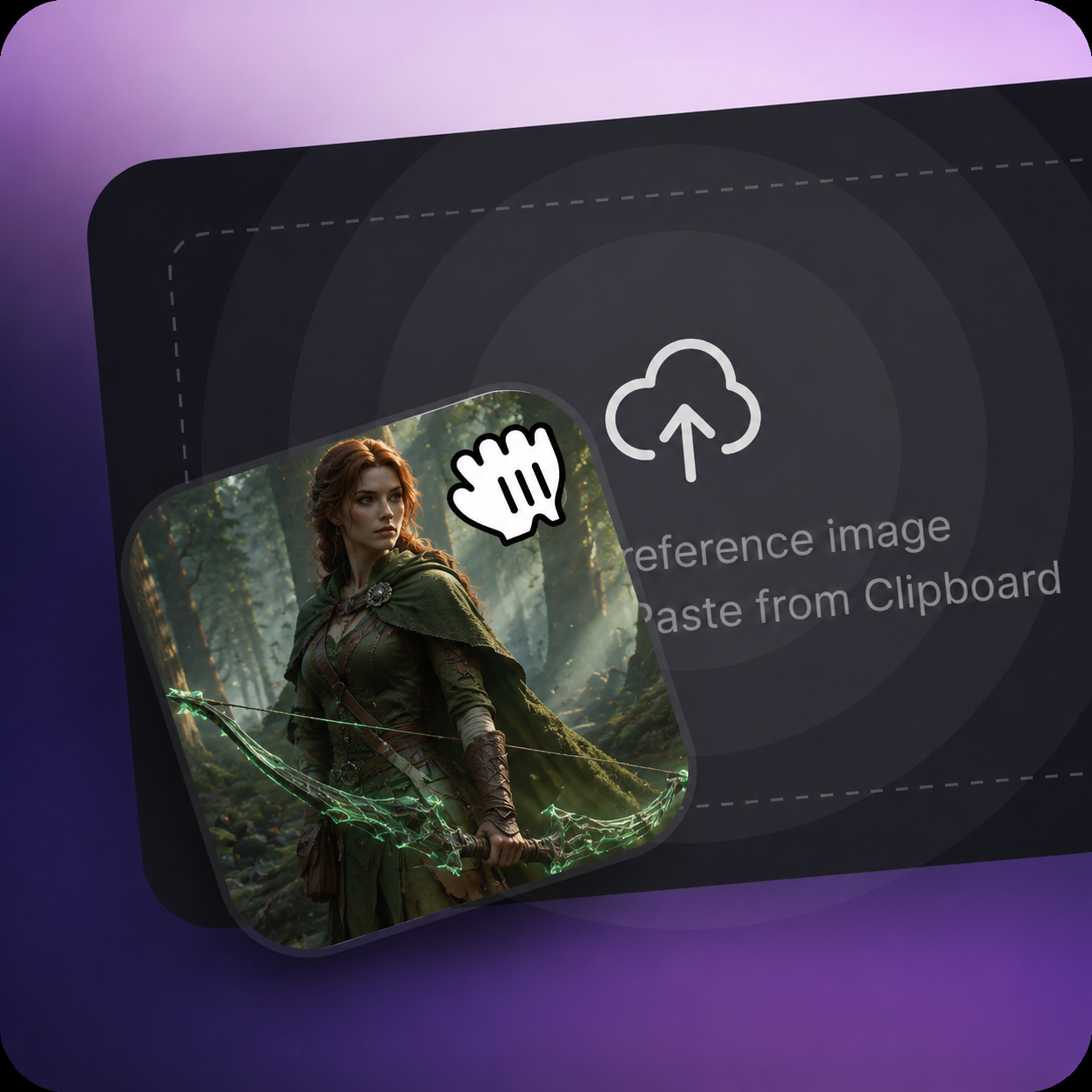
Upload the image, video, reference file, or other source material requested on the selected template page.
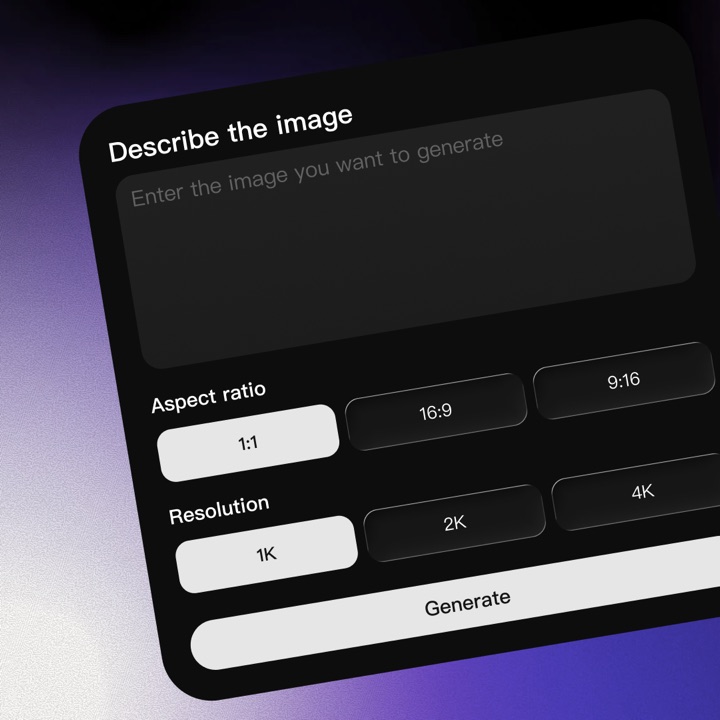
After uploading the required source material, click Generate. Arcloop opens the Canvas and starts the generation automatically.
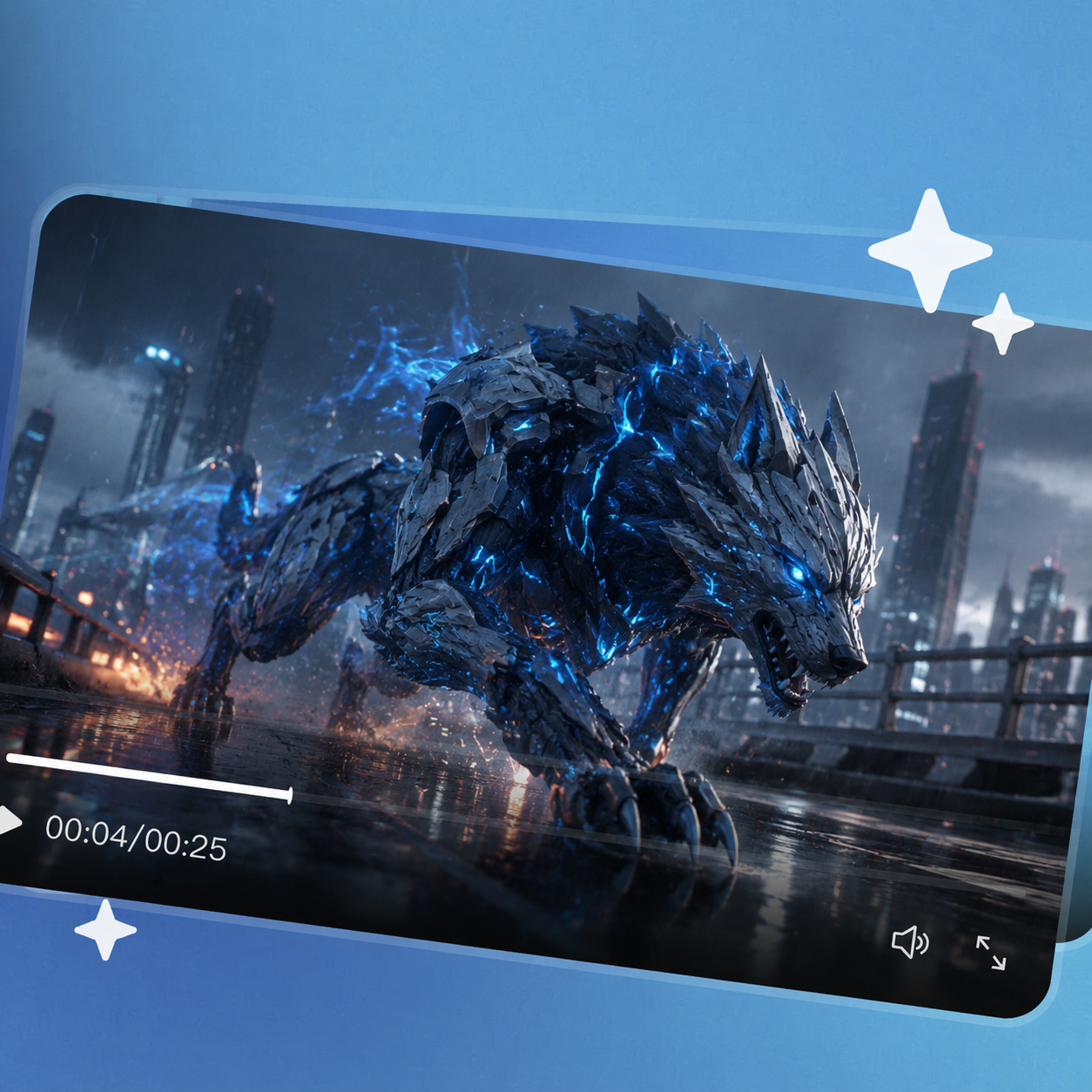
Stay on the Canvas while Arcloop processes the template and source material. When generation finishes, view the completed video.
Use 3D Animation AI templates to explore character motion, cinematic environments, product visuals, and short-form content without building every scene from scratch.
Create character-focused videos with expressive poses, actions, and scene-based movement for stories and creator content.
Explore dramatic environments, camera movement, lighting, and visual storytelling for cinematic sequences.
Present products, concepts, and campaign ideas through polished 3D-style motion for ads and short-form platforms.
Pick a template, add the image or video it asks for, then hit Generate. Arcloop will open the project in Infinite Canvas and build the animation for you.
You can create 3D-style character moves, cinematic camera shots, action scenes, and short clips for TikTok, Instagram, or YouTube.
No. You do not need to build a 3D model, rig a character, or animate anything by hand. Just pick a template, drop in your content, and let Arcloop handle the setup.
Yes. You can swap the image or video, tweak the prompt or settings, and generate another version until the result feels right.
Actual Vidu Q4 Preview generated sample.