Step 5: Produce the Video
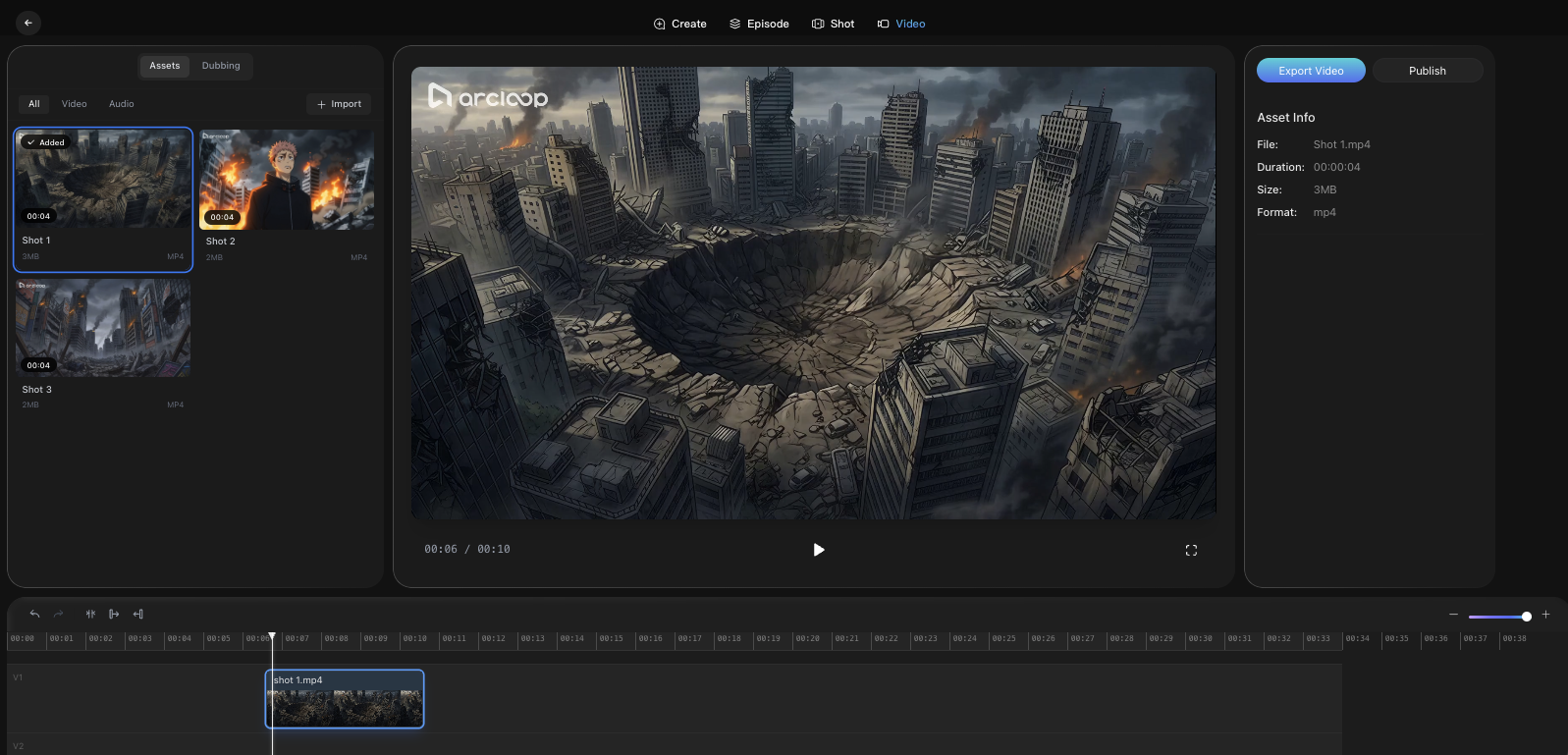
The Video page is where you assemble your final cut.
Add Shot Videos to the Timeline
- Select shot clips from the Assets panel.
- Drag and drop clips onto the timeline.
- Rearrange clips to adjust sequence.
Edit and Refine
- Trim or reposition clips directly on the timeline.
- Adjust pacing by clip order and duration.
- Add audio tracks (if available).
- Preview in the main player.
Export or Publish
- Click Export Video to download the final file.
- Click Publish if you want to share directly within the website.
Video details such as duration, file size, and format appear in the right panel under Asset Info.