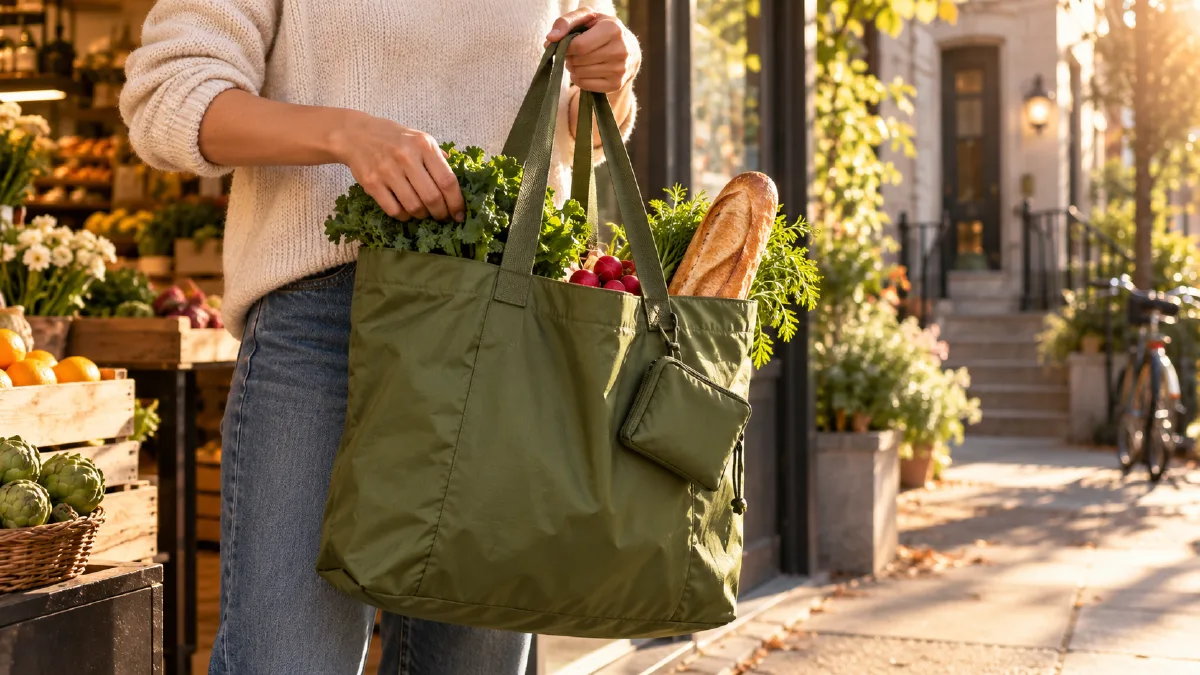
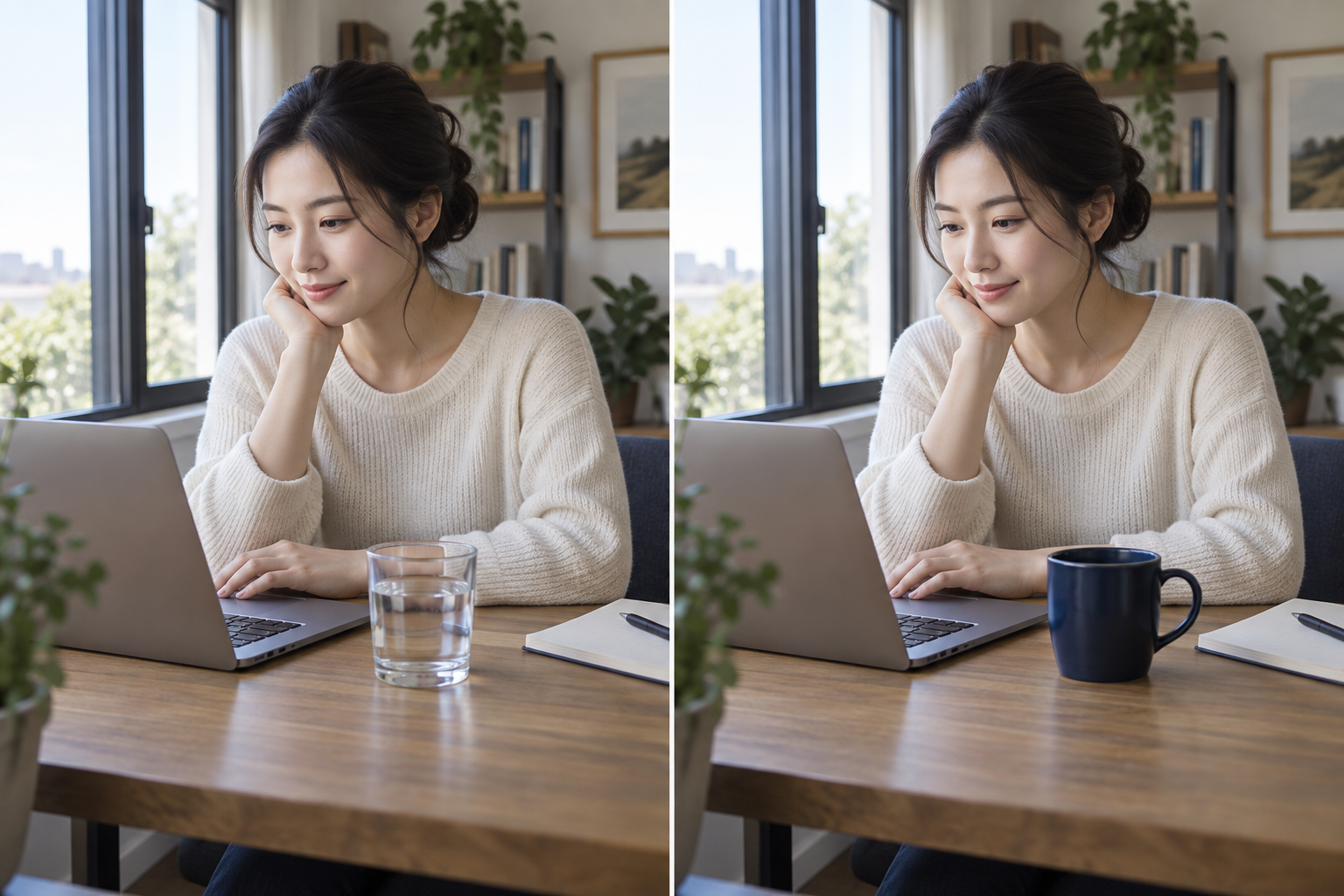
当一个广告创意还未验证时,制作三支完全不同的视频,很难判断究竟是什么产生了影响。更清晰的测试方式是固定文案、产品和动作,只改变视觉处理。本指南将在 Arcloop 中用一个虚构的帆布购物袋广告制作三个短版本。
这些是创意变体,不代表某种风格一定更能带来销量。要衡量表现,请导出视频,并在生成流程之外进行受控的受众测试。
1. 固定核心信息和脚本
选定一个产品和一种使用场景。示例中,可折叠购物袋帮助下班的人装好采购的食物。三个版本的口播和行动号召保持一致。
Your hands are full on the way home.
Unfold the FoldDay tote and load what you picked up.
When you are done, fold it back into its pocket.
FoldDay. Ready when you need it.
FoldDay 是虚构名称。替换成自己的品牌名即可,但不要加入产品并不具备的宣传承诺。
2. 准备一张产品参考图和一套分镜
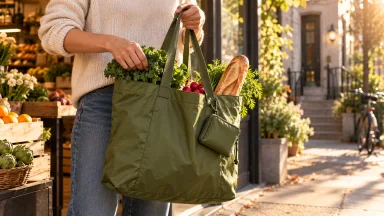
创建或上传一张清晰的袋子参考图,固定颜色、提手、收纳口袋和比例。三个版本使用相同的 12 秒动作顺序:0–3 秒展开袋子,3–8 秒放入食材,8–12 秒将袋子折回口袋。
每个版本都附上同一张参考图。这样可以固定袋子设计,同时改变真实场景的光线、摄影方式和环境。镜头顺序和目标时长也保持一致,让视觉风格成为主要变量,而不是故事、产品或脚本。
3. 生成三种风格版本
在 Arcloop 中使用相同的产品参考和动作规划。三个版本都采用写实场景,每次只更改真实拍摄风格,并分别使用下方提示词。如果项目级视觉设置限制了某种处理方式,可以使用同一参考图和分镜单独创建该版本。
版本 A:日常生活方式
Create a photorealistic 12 second ad showing the same packable tote in three timed beats. 0 to 3 seconds: unfold the tote. 3 to 8 seconds: place groceries inside. 8 to 12 seconds: fold it into its pocket. Natural late afternoon light in a real apartment entryway, practical handheld camera, lived-in details, calm and useful mood. Keep the tote's color, handles, pocket, and proportions identical to the attached reference. No illustration, animation, or text.
版本 B:精致棚拍商业广告
Create a photorealistic 12 second ad showing the same packable tote in three timed beats. 0 to 3 seconds: unfold the tote. 3 to 8 seconds: place groceries inside. 8 to 12 seconds: fold it into its pocket. Shoot on a clean warm-white studio set with soft directional product lighting, a smooth controlled camera move, realistic fabric detail, and a polished commercial mood. Keep the tote's color, handles, pocket, and proportions identical to the attached reference. No illustration, animation, or text.
版本 C:街头纪实风格
Create a photorealistic 12 second ad showing the same packable tote in three timed beats. 0 to 3 seconds: unfold the tote. 3 to 8 seconds: place groceries inside. 8 to 12 seconds: fold it into its pocket. Film outside a neighborhood market in late afternoon, with warm natural light, restrained handheld camera movement, real pavement and shopfront details, and an observational street-photography mood. Keep the tote's color, handles, pocket, and proportions identical to the attached reference. No illustration, animation, or text.
每个版本都要附上产品参考图。风格指令应改变周围世界的呈现方式,而不是重新设计袋子。如果某种处理改变了产品形状,先简化风格方向或重新生成该镜头,再进入剪辑。
4. 使用相同音频和节奏进行剪辑
为每种风格生成镜头后,按相同顺序放入 Edit 时间轴。三个版本使用相同的旁白、音乐、字幕和大致时长,并修剪至相同目标长度,这样比较才会聚焦在视觉风格上。
| 检查项 | 自问 |
|---|---|
| 产品辨识度 | 每种风格里都能认出购物袋吗? |
| 动作 | 展开、装东西和折叠是否清楚? |
| 信息 | 相同脚本是否都适合画面? |
| 一致性 | 产品设计和镜头顺序是否保持不变? |
Arcloop 的分镜和 Edit 工作流可以先生成、检查镜头,再编排成片,但不会自动判断哪个版本表现最好。
5. 决定下一轮测试内容
选择能清楚传达产品、也符合目标受众的版本。如果两个版本都可用,就在相同受众、投放位置、预算和周期下进行测试。应比较真实表现数据,而不是把个人喜好当成效果证据。
如果三个版本都不理想,不要同时修改所有变量。保持脚本和产品不变,只调整一种视觉方向或一个镜头,让下一轮修改有明确目的。
常见问题
Arcloop 能一键自动生成三种广告变体吗?
本流程使用同一份创意简报和分镜,分别制作三种视觉处理。请逐一检查并生成,不要假设平台会自动复制所有素材或设置。
怎么知道哪种风格效果最好?
视频预览可以帮助判断产品和信息是否清楚,但不能证明广告表现。请在平台外进行受控测试,比较受众反馈。
可以改脚本,而不是改视觉风格吗?
可以,但那是在测试另一个变量。如果同时改变脚本和视觉风格,就无法判断是哪项修改造成了结果差异。
可阅读 Arcloop AI 视频制作与编辑指南,了解分镜和时间轴工作流。
**CTA:**在 Arcloop 制作广告变体